
Getting Started
How to Use Lighter DEX: Login, Deposit and Place Your First Perp Trade (Step-by-Step, 2026)
Step-by-step tutorial for Lighter DEX beginners: connect a wallet (no email, no KYC), deposit USDC, understand the trading screen, set leverage, place market, limit and stop orders, manage a position and withdraw.
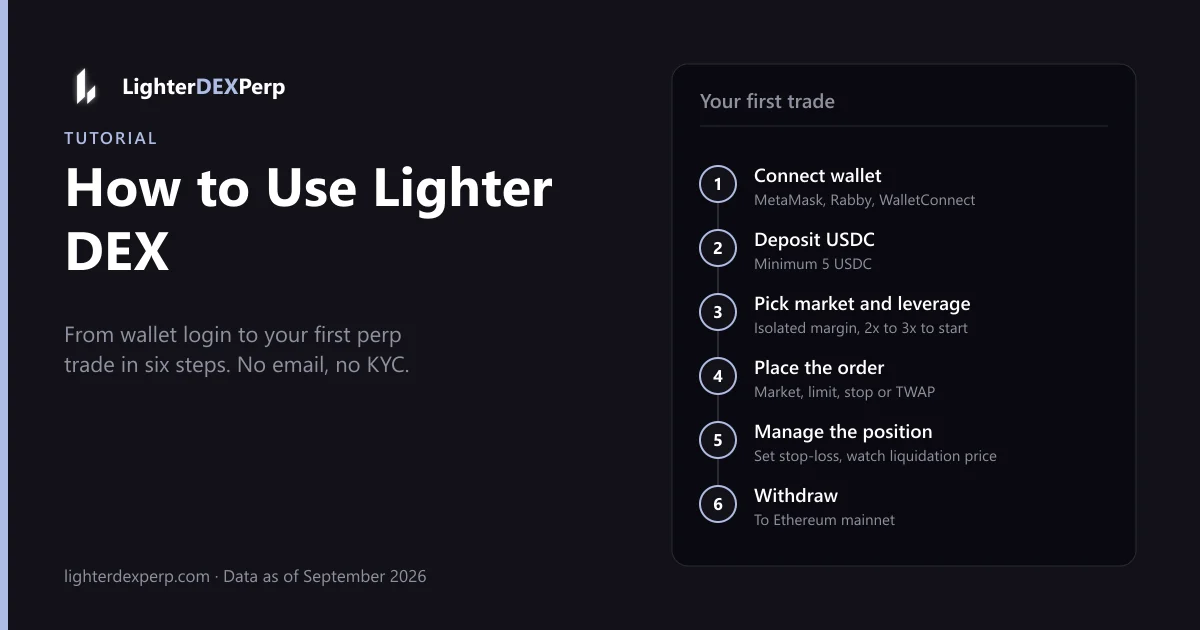
Your first Lighter trade takes about ten minutes: connect a wallet, sign one message, deposit USDC and place an order. No email, no password, no KYC, and no trading fee on a standard account. Below is every screen you will see on app.lighter.xyz, the perp terms explained as they appear, and conservative default settings so your first position teaches you how the exchange works instead of costing you a liquidation. Walkthrough checked on desktop and the mobile app in September 2026.
Before you start
You need:
- An EVM wallet. MetaMask, Rabby, Coinbase Wallet, OKX Wallet, Trust Wallet, or any WalletConnect-compatible wallet. Hardware wallets work through MetaMask or Rabby.
- USDC to trade with. USDC is the base collateral on Lighter. USDT is not accepted directly; you can convert it in the deposit flow or on a DEX first.
- A little ETH on Ethereum mainnet if you deposit directly from L1 (for gas). If you bridge from Arbitrum, Base, Solana or another supported chain, you need gas on that chain instead.
- A location that is not restricted. The US, UK, Canada, China and sanctioned countries are blocked. See Lighter DEX restricted countries.
Minimum deposit is 5 USDC. We suggest $50–100 for a first session so you can place a couple of positions without hitting minimum order sizes.
Step 1: Log in to Lighter with a wallet
Lighter "login" is wallet-based; there are no accounts to create.
- Go to app.lighter.xyz (or lighter.exchange, which redirects there). Using app.lighter.xyz/?referral=APPDEX10 applies referral code
APPDEX10, which gives one week of Premium fees rebated. Check the URL carefully; phishing clones exist. - Click Connect Wallet in the top right and pick your wallet.
- Your wallet asks you to sign a message. This signature derives your Lighter account keys (the L2 API key that signs your orders). It costs no gas and does not grant token approvals. If the popup does not appear, see the troubleshooting note at the end.
- You are now logged in. Your Lighter account is tied to this Ethereum address. Connecting the same address on another device or the mobile app gives you the same account.
You can create up to four sub-accounts from the account menu. They share your L1 address and LIT staking benefits but have separate margin, which is handy for isolating strategies or running a bot.
Step 2: Deposit USDC
Click Deposit. You will see two routes:
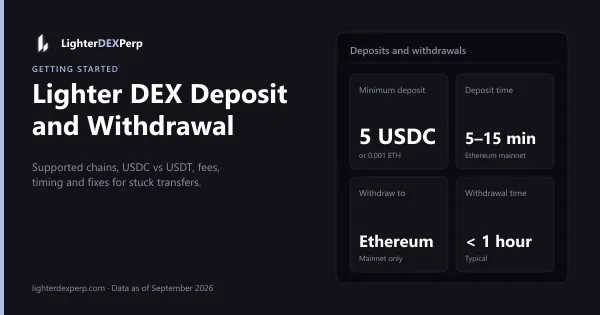
- Ethereum mainnet: send USDC directly from your wallet to the Lighter bridge contract. Requires ETH for gas. Credits after L1 confirmation, typically 5–15 minutes.
- Other chains: Arbitrum, Base, Solana, Avalanche C-Chain, HyperEVM and others, plus card and exchange (Coinbase, Binance) on-ramps through the integrated bridge partner. Lighter generates a universal deposit address per chain. You pay the bridge fee and source-chain gas; credits usually within minutes.
Enter the amount, confirm in your wallet, and wait. The balance appears in the top bar as Available. Full details, fees and what to do if a deposit does not show: Lighter DEX deposit.
If you hold ETH or XAUT and have Unified Trading Accounts enabled, they can be deposited as collateral at a 70% haircut. For a first session, stick to USDC.
Step 3: Understand the trading screen
Pick a market from the selector at the top left (search "BTC", "ETH", "NVDA", "OpenAI"). The screen has four regions:
- Chart (TradingView) in the center.
- Order book and recent trades on the right: bids in green, asks in red, the spread between them.
- Order form below or beside the book. This is where you trade.
- Positions, open orders, history panel at the bottom.
Key terms as they appear on the form:
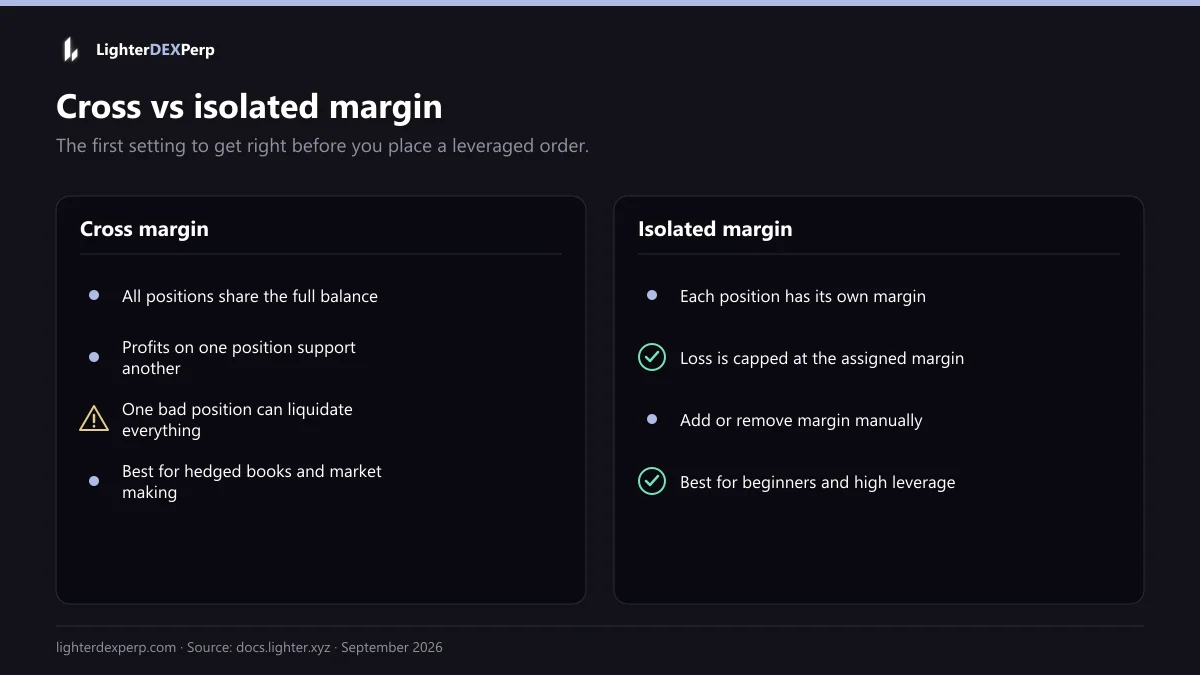
- Cross vs Isolated margin. Cross uses your whole account balance as collateral for all positions; a big loss in one market can liquidate others. Isolated caps the risk of a position to the margin you assign it. Beginners should use Isolated.
- Leverage slider. Sets the maximum leverage for this market, up to 50x on BTC and ETH and lower on other tiers. Leverage multiplies both profit and loss. Start at 2x–3x.
- Size. Entered in the base asset (e.g., 0.01 BTC) or in USDC notional. The form shows the margin required.
- Long / Short. Long profits if price rises; short profits if it falls.
- Mark price vs last price. Mark is a smoothed fair price used for liquidations and PnL; last is the most recent trade. Liquidation is based on mark.
- Funding. The hourly rate shown near the market name. Positive means longs pay shorts.
Step 4: Place your first order
Market order
Fastest way in. Choose Market, enter a size (say $50 notional), check the estimated fill price and slippage, click Buy/Long or Sell/Short. The order fills against the book immediately. Standard accounts pay 0% taker fee.
Limit order
Choose Limit, enter a price and size. If your price is inside the spread, the order rests on the book as a maker order until filled. If it crosses the book, it fills immediately like a market order. Options include Post-Only (reject if it would take), Reduce-Only (only close existing position), and time-in-force (GTC, IOC, FOK).
Stop-loss and take-profit
After opening a position, or in the order form's TP/SL section, set a Take Profit price and a Stop Loss price. These become conditional orders that trigger on mark price. Setting a stop on every leveraged position is the single best habit a new perp trader can build.
TWAP
For larger sizes, TWAP splits an order into slices over a time window to reduce market impact. Not needed for a $50 trade, essential for $50,000 in a thin market.
Full detail on every order type, hedge mode and leverage tiers: Lighter DEX leverage.
Step 5: Manage the position
Your open position appears in the Positions tab with entry price, mark price, unrealized PnL, margin, leverage and liquidation price. Watch that last number. On Lighter, liquidation happens in stages:
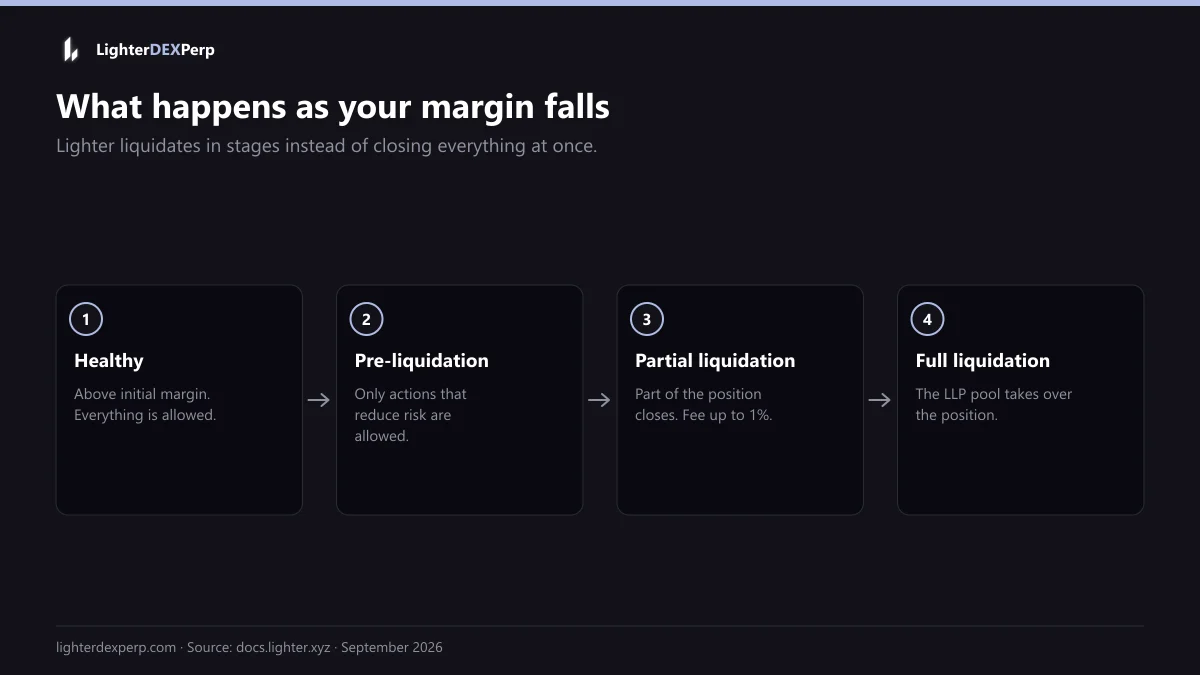
- Pre-liquidation: account value between initial and maintenance margin; you can only make health-improving actions.
- Partial liquidation: the engine closes part of the position at a "zero price" that keeps your health ratio constant, taking up to 1% as a fee.
- Full liquidation: the LLP insurance pool takes over the position at bankruptcy price.
To close manually, click Close on the position (market close) or place a reduce-only limit order at your target. To add margin to an isolated position, use Adjust Margin.
Step 6: Withdraw
Click Withdraw, enter the USDC amount, and confirm. Withdrawals are processed to Ethereum mainnet once the rollup batch containing your withdrawal is proven and finalized, typically within an hour and occasionally longer during heavy load. A small fixed fee covers L1 gas, waived if you stake 100+ LIT. You cannot withdraw margin that is backing an open position.
Beginner-safe defaults
- Isolated margin, 2x–3x leverage, a stop-loss on every position.
- Trade BTC or ETH first: tightest spread, deepest book, most forgiving.
- Never size a position such that the liquidation price is within one normal daily range of the entry.
- Do not chase points with leverage. See Lighter DEX airdrop.
- Keep some USDC unallocated so a partial liquidation does not cascade.
Common first-session problems
- Sign message popup does not appear: the wallet extension may be locked, another dapp may be holding the connection, or a popup blocker interfered. Unlock the wallet, refresh, reconnect. On mobile, use the in-app browser of the wallet or WalletConnect.
- Deposit not showing: L1 deposits need ~12 Ethereum block confirmations plus batch inclusion. Bridged deposits depend on the bridge. Wait 30 minutes before worrying; then check the transaction hash on Etherscan and contact support via Discord with the hash.
- Order rejected for size: each market has a minimum order size and tick size. The form shows them; round accordingly.
- Restricted region message: you are geo-blocked. Do not use a VPN to bypass; it violates the terms of service.
Frequently asked questions
Is there a Lighter DEX login with email or password? No. Login is a wallet signature. Your Ethereum address is your account.
Can I deposit USDT on Lighter DEX? Not directly as collateral. The bridge flow can convert USDT from supported chains into USDC during deposit.
What is Lighter "fun mode"? There is no fun mode or paper-trading toggle in the mainnet app. Practice happens on the public testnet with free test USDC; see the Lighter DEX testnet guide.
How do I buy Lighter DEX (the token) rather than trade on it? See Lighter DEX token. Trading on the DEX does not require owning LIT.
Does trading on Lighter cost anything? No trading fee on standard accounts. Funding, spread and gas still apply. Full breakdown: Lighter DEX fees.
Related guides
Related Lighter DEX guides
Getting Started
Lighter DEX Deposit and Withdrawal Guide: Supported Chains, USDC vs USDT, Fees and Fixes (2026)
Which chains and stablecoins Lighter accepts, minimums, fees, timing, the Ethereum-only withdrawal path and a troubleshooting checklist.
6 min read · Updated
Getting Started
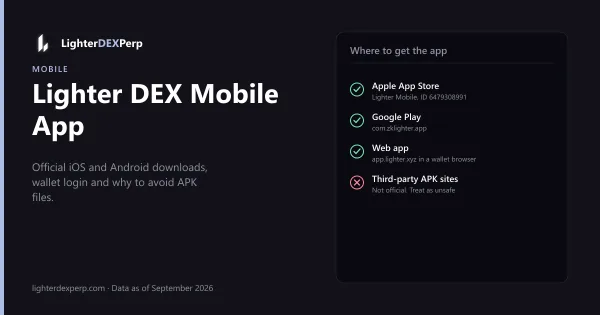
Lighter DEX Mobile App: iOS, Android and APK Download Guide (2026)
Where to get the official Lighter Mobile app on the App Store and Google Play, how wallet login works on mobile, feature parity with web, and APK safety.
4 min read · Updated
Getting Started
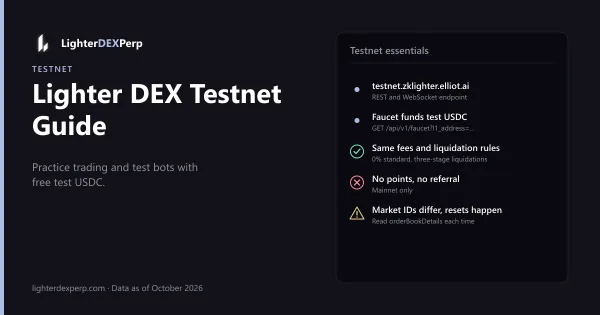
Lighter DEX Testnet Guide: Practice Trading and Test Your Bot With Free Test USDC (2026)
Testnet endpoint, faucet, what differs from mainnet, pointing SDKs at testnet, and a safe path from test trades to a 1% mainnet run.
4 min read · Updated