
Getting Started
Lighter DEX Mobile App: iOS, Android and APK Download Guide (2026)
Lighter Mobile is the official Lighter DEX app for iOS and Android. Learn where to download it safely, how to log in with your wallet, what the app can and cannot do versus the web version, and how to avoid fake APKs.
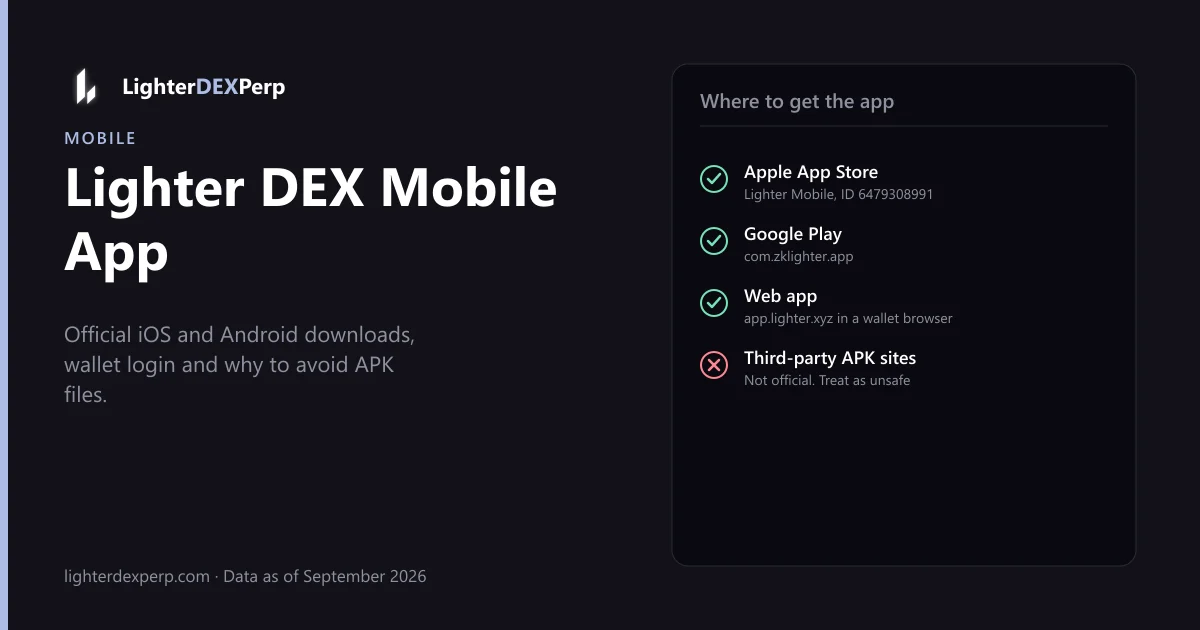
Lighter DEX has an official mobile app, Lighter Mobile, on the Apple App Store and Google Play, so you can trade the same zero-fee perpetuals as app.lighter.xyz from your phone: crypto, stocks and commodities, wallet login, no KYC. There is no official standalone APK outside Google Play; treat any "Lighter DEX APK" offered by a third-party site as malware until proven otherwise. Below you get the genuine download links, what the app can and cannot do compared with the web version, and how to keep your wallet safe on mobile. Verified September 2026.
Where to download the Lighter DEX app
| Platform | Where | Package / ID |
|---|---|---|
| iOS (iPhone, iPad) | Apple App Store, search "Lighter Mobile" | App ID 6479308991 |
| Android | Google Play, search "Lighter Mobile" | com.zklighter.app |
| APK | Not officially distributed | Do not sideload from third parties |
| Web (any device) | app.lighter.xyz in a mobile browser | Works via wallet in-app browsers |
Always verify the developer name matches Lighter's entity and that the listing links to lighter.xyz. Search results for "Lighter" also return dozens of unrelated apps for cigarette lighters, flashlights and photo editors; the trading app is the one with the zero-fee perps description.
If the app is not available in your region's store, the reason is usually the same geo-restriction that applies to the web app. See the Lighter DEX KYC and restricted-country rules. Sideloading to bypass a store restriction breaches the terms of service.
Logging in on mobile
Because Lighter accounts are wallet signatures rather than usernames, mobile login has two options:
- WalletConnect. Tap Connect, choose your wallet app (MetaMask, Rabby, Trust, Coinbase Wallet, OKX), approve the connection and sign the login message in the wallet app. You are then returned to Lighter Mobile.
- Wallet in-app browser. Open app.lighter.xyz inside your wallet's built-in browser. This bypasses the native app but works everywhere.
Your mobile session uses the same account as desktop because the account is derived from your Ethereum address. Positions, sub-accounts, points and LIT staking all carry over.
What the mobile app can do
Feature parity with the web app is high as of the September 2026 build:
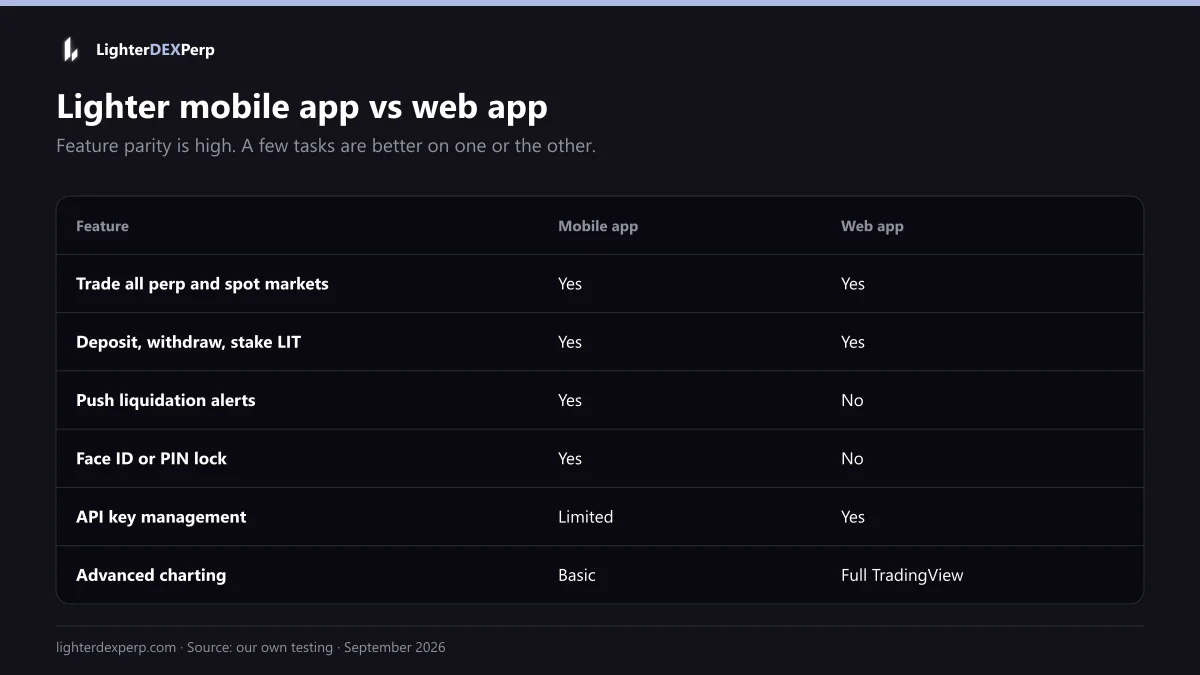
- Trade every perp and spot market, including stocks, FX, commodities and pre-IPO.
- Market, limit, stop-loss, take-profit and reduce-only orders. TWAP is available but easier to manage on desktop.
- Cross and isolated margin, leverage slider, position management and margin adjustment.
- Deposits via the integrated bridge and withdrawals to Ethereum.
- Points balance, leaderboard and referral link.
- Price alerts and push notifications for fills and liquidation warnings, which the web app cannot do.
- LIT staking and LLP deposits.
Things better done on desktop: API key management, complex multi-order strategies, detailed charting with indicators, and reviewing large trade histories.
Mobile-specific tips
- Turn on liquidation notifications. A push alert when margin ratio crosses a threshold is the main practical advantage of the app.
- Use Face ID or a PIN lock in the app settings so an unlocked phone cannot place orders.
- Keep the wallet app updated. Most "sign message not working" reports on mobile are stale wallet apps failing WalletConnect sessions.
- Watch data usage on the order book. Live L2 order-book streams are bandwidth-heavy; the app throttles them on cellular but charts still consume data.
- Do not trade 50x from a phone in a moving vehicle. Latency plus fat-finger risk is how people blow accounts.
Is there a Lighter DEX APK?
No official APK is published outside Google Play. Sites offering a "Lighter DEX APK download" are either repackaging the Play Store build (which may be modified to steal wallet connections) or serving unrelated apps. If you need Android without Google services, use app.lighter.xyz in a wallet browser instead.
Lighter DEX logo and icon
Full guide to the official brand kit, SVG and PNG downloads and the LIT icon: Lighter DEX logo.
The Lighter logo is a minimal wordmark and lightning-style mark. Official brand assets, including SVG versions of the logo and icon, are available on request from Lighter's team via their official channels; third-party sites redistributing "Lighter DEX logo SVG" files often serve outdated or incorrect versions. If you are building an integration, ask in the developer Discord for the current brand kit. This site's own logo is not Lighter's and should not be used to represent Lighter.
Mobile app vs Robinhood Wallet
Since July 2026, Robinhood Wallet users can trade Lighter perps directly inside Robinhood Wallet through the Lighter on Robinhood Chain deployment, using USDG as collateral. That is a separate deployment with its own order books and points program, not the Lighter Mobile app. If you are choosing between the two: Lighter Mobile gives you the main Ethereum deployment with the deepest liquidity; Robinhood Wallet gives you a smoother fiat on-ramp and Robinhood's UX. Details: Lighter DEX Robinhood.
Frequently asked questions
Is there a Lighter DEX app for iPhone? Yes, Lighter Mobile on the App Store (ID 6479308991).
Is there a Lighter DEX app for Android? Yes, Lighter Mobile on Google Play, package com.zklighter.app.
Can I download a Lighter DEX APK? Not from an official source. Use Google Play or the web app in a wallet browser.
Does the app charge fees? Same as web: 0% maker and taker on standard accounts. See Lighter DEX fees.
Why is the app not in my App Store? Regional restriction. Lighter blocks the US, UK, Canada, China and sanctioned jurisdictions.
Related guides
Related Lighter DEX guides
Getting Started
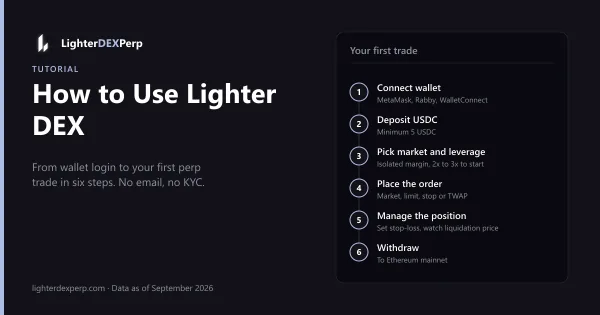
How to Use Lighter DEX: Login, Deposit and Place Your First Perp Trade (Step-by-Step, 2026)
Wallet login, USDC deposit, reading the order form, leverage and margin mode, order types, closing positions and withdrawing, with beginner-safe defaults.
7 min read · Updated
Getting Started
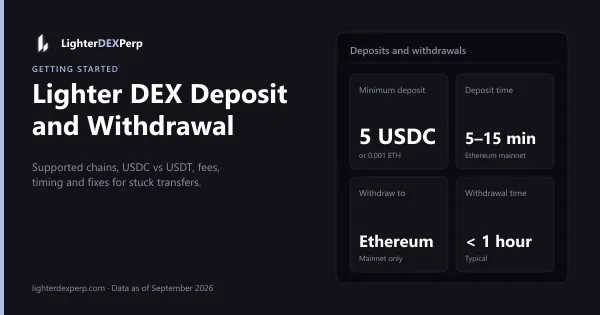
Lighter DEX Deposit and Withdrawal Guide: Supported Chains, USDC vs USDT, Fees and Fixes (2026)
Which chains and stablecoins Lighter accepts, minimums, fees, timing, the Ethereum-only withdrawal path and a troubleshooting checklist.
6 min read · Updated
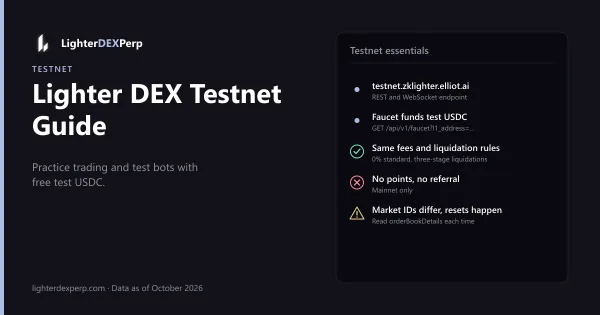
Getting Started
Lighter DEX Testnet Guide: Practice Trading and Test Your Bot With Free Test USDC (2026)
Testnet endpoint, faucet, what differs from mainnet, pointing SDKs at testnet, and a safe path from test trades to a 1% mainnet run.
4 min read · Updated